
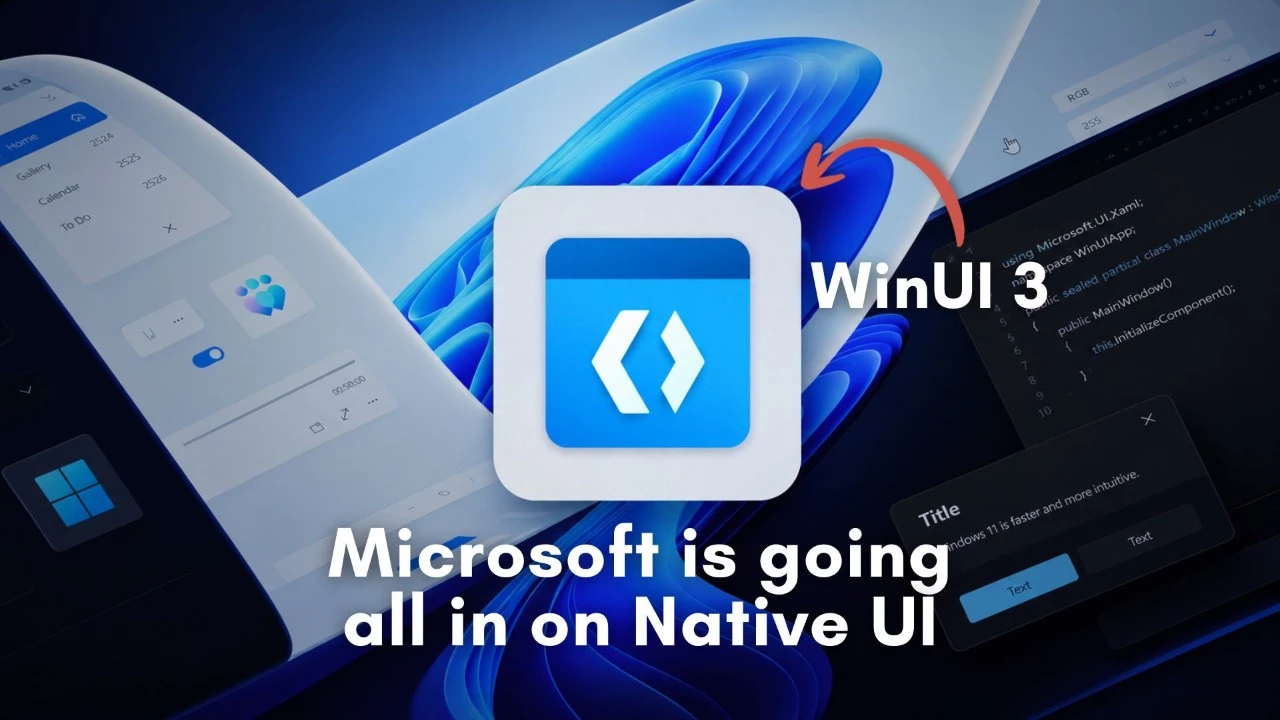
In a significant move toward modernizing its flagship operating system, Microsoft has confirmed its commitment to transitioning Windows 11’s user interface elements to the modern WinUI 3 framework. The company has revealed that the recently updated file properties dialog in File Explorer was completely rewritten from scratch rather than simply receiving a cosmetic overlay, signaling a deeper commitment to eliminating decades-old code that has persisted since the Windows 95 era. This announcement marks a pivotal moment in Windows development history, as Microsoft appears ready to finally shed the visual and technical inconsistencies that have plagued the operating system for years.
The decision to migrate system components to WinUI 3 represents more than just a visual refresh—it’s a fundamental architectural shift. WinUI 3 is Microsoft’s modern native UI platform that provides the latest Fluent Design components and styles for Windows applications. Unlike previous approaches where Microsoft would simply skin older dialog boxes with newer visual elements, this complete rewrite approach ensures that the underlying code is fully modernized, offering better performance, improved accessibility features, and consistent behavior across the operating system. Industry analysts suggest this move could significantly improve system stability and reduce the maintenance burden on Microsoft’s development teams.
The Long Shadow of Windows 95 Legacy Code
Windows 95, released nearly three decades ago in August 1995, revolutionized personal computing with its introduction of the Start menu, taskbar, and the general desktop paradigm that persists to this day. However, this longevity has come at a cost. Many dialog boxes, system utilities, and interface elements have remained virtually unchanged since that era, creating a jarring experience for users who encounter 1990s-style interfaces while using a supposedly modern operating system. The infamous Control Panel, various system dialogs, and numerous properties windows have long been criticized for their outdated appearance and inconsistent design language compared to newer Windows 11 elements.
Microsoft’s previous attempts to modernize the Windows interface have often resulted in a patchwork approach. Windows 8 introduced the Metro design language, Windows 10 brought Fluent Design, and Windows 11 refined these concepts further. Yet throughout these iterations, legacy components remained stubbornly present, often requiring users to navigate between sleek modern interfaces and classic Win32 dialogs within the same workflow. This inconsistency has been a persistent complaint among users and reviewers, particularly as competing platforms like macOS have maintained more cohesive visual identities.
Technical Implications and Developer Impact
The shift to WinUI 3 carries significant implications for the broader Windows ecosystem. For developers, this transition signals Microsoft’s long-term commitment to the framework, potentially encouraging wider adoption in third-party applications. WinUI 3 offers several advantages over legacy frameworks, including better support for modern display technologies like high-DPI monitors, improved touch and pen input handling, and native dark mode support. The framework also integrates seamlessly with the Windows App SDK, Microsoft’s unified platform for building Windows applications that can run across different Windows versions and form factors.
However, this modernization effort is not without challenges. Complete rewrites of system components require extensive testing to ensure backward compatibility with enterprise environments and accessibility tools. Microsoft must balance the desire for a fresh, modern interface with the practical needs of businesses and users who rely on familiar workflows. The company has indicated that this transition will be gradual, with updates rolling out over multiple Windows 11 feature releases rather than in a single dramatic overhaul. This measured approach should help minimize disruption while steadily improving the overall user experience.
Looking Toward the Future of Windows
Microsoft’s commitment to eliminating legacy interface elements aligns with broader industry trends toward design consistency and user experience optimization. As Windows 11 continues to evolve, users can expect to see fewer instances of jarring visual transitions between modern and classic interface elements. The complete rewrite of the File Explorer properties dialog serves as a template for future modernization efforts, demonstrating that Microsoft is willing to invest the significant development resources required for genuine improvement rather than superficial changes. With competing platforms continuing to refine their user experiences, this modernization push positions Windows 11 to remain competitive in an increasingly design-conscious market.
Expert Opinion: Microsoft’s decision to completely rewrite legacy components rather than apply cosmetic updates represents a mature approach to technical debt management that will pay dividends in the long term. While users may not immediately notice dramatic changes, this architectural foundation work is essential for Windows to remain relevant and maintainable over the next decade. The gradual transition to WinUI 3 suggests Microsoft has learned from past rushed redesigns and is prioritizing stability alongside modernization.