How to Plan a Video Game Party Night: Games, Controllers and Room Setup
A practical host's guide to video game party nights: picking games for your group, sorting controllers, arranging the room and keeping everyone involved.

A good video game party night looks effortless from the sofa, but it rarely happens by accident. The difference between a night people talk about for weeks and one where half the room drifts to their phones usually comes down to a few decisions made beforehand: which games, in what order, with which controllers, and where everyone sits.
This guide walks through those decisions in the order a host actually faces them. It is written for mixed groups, the realistic case where some guests play games every day and others have not held a controller in years.
Start with the guest list, not the game list
The most common hosting mistake is choosing a favorite game first and hoping the group fits it. Work the other way round. Before choosing anything, answer three questions:
- How many people are coming? This decides which games are even possible. Many local multiplayer games cap out at four players, while phone-controlled party games can take far more.
- How experienced are they? A room of regular players can handle fast, technical games. A mixed room needs games where a newcomer can contribute in the first minute.
- What is the mood? Some groups love loud competition; others prefer laughing together at a shared disaster. Cooperative games suit the second kind of group, competitive ones the first.
If you are unsure, plan for the least experienced guest. Experienced players will still enjoy simple games in a social setting, but newcomers rarely enjoy complex ones.
Choosing games by group size
Player limits are the hardest constraint, so it helps to sort your options into rough bands.
Two to four players
This is the sweet spot for traditional couch multiplayer, where everyone holds a controller. Chaos co-op games such as Overcooked! 2 or Moving Out, which supports one to four local players, turn a small group into a frantic team. Arena games such as Ultimate Chicken Horse or TowerFall offer quick competitive rounds. For more on choosing cooperative games for small groups, see our guide to picking couch co-op games.
Five to eight players
Fewer controller-based games handle this range, but some do. Boomerang Fu, a one-hit melee party game from Cranky Watermelon, supports up to six local players on Switch, Xbox and PC (the PlayStation versions support fewer, so check the store page for your console). PICO PARK, a cooperative puzzle game from TECOPARK, is listed on Steam for two to eight players locally or online, and its puzzles depend on everyone working together. Beyond these, the easiest way to include more people is to switch to games that use phones as controllers.
Eight or more
Large groups are where phone-controlled games shine. In Jackbox Games’ party packs, players join by visiting jackbox.tv on their phone and entering the room code shown on the TV. No extra controllers are needed, and most Jackbox games offer an audience mode, which Jackbox says can support up to 10,000 participants who vote and influence the result even when the player slots are full. Recent packs list up to nine or ten players per game depending on the title. For a big room, this is often the backbone of the night.
Building a running order
Think of the evening like a playlist rather than a single game. A structure that works for most groups looks like this:
- Warm-up (15–30 minutes): something with almost no learning curve that people can join as they arrive. Phone-based word or drawing games are ideal because latecomers can join the next round instantly.
- Main block (60–90 minutes): the games you expect the group to enjoy most. Alternate between team or co-op games and short competitive rounds so the energy rises and falls instead of staying at maximum the whole time.
- Wind-down: something lower-key as people get tired, such as a calmer cooperative game or a final round of a crowd favorite.
Short rounds are your friend. Games built around matches of a few minutes let you rotate players, swap games when interest dips and avoid locking the room into a long session that only some people enjoy.
Mix competition with teamwork
Pure competition can leave the same person losing all night, which quickly becomes discouraging. Team modes and co-op games spread success and failure across the group. A useful habit is to pair a strong player with a newer one in team games, so the experienced player has a reason to teach rather than dominate.
Controllers and inputs
Nothing slows a party down like discovering a controller is flat or unpaired five minutes before the first game. A little preparation avoids it.
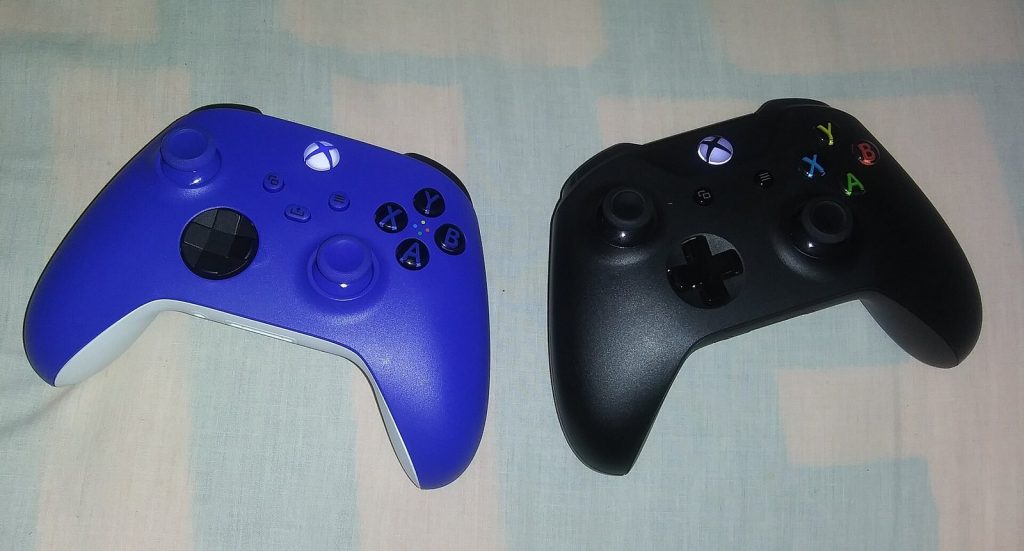
- Count controllers against your plan. If your main games need four controllers, have four working and ideally a spare.
- Charge everything the day before. Keep a charging cable or dock near the sofa for top-ups between games.
- Pair in advance. Make sure every controller is already paired with the console or PC you will use. On PC, Steam can recognize many controller brands, which helps when guests bring their own.
- Use phones where possible. Phone-controlled games remove the controller limit entirely. Check that your Wi-Fi is working well and share the network password before the games start.
- Consider input simplicity. Games that need only a stick and one or two buttons are much easier to pass to a newcomer than games using every button on the pad.
If you plan to use Nintendo Switch Joy-Con controllers held sideways as individual controllers, check that each game you plan to play supports that, since not every game does.
Setting up the room
The physical setup has a surprising effect on how inclusive the night feels.
Screen visibility
Everyone who is playing should be able to see the screen clearly without leaning. This matters most with split-screen games, where each player’s view is a quarter or half of the screen. If your TV is small, favor shared-screen games and phone-controlled games, where players read prompts on their own phones.
Seating
Arrange seating in an arc facing the screen rather than in rows. Active players should sit closest; people waiting their turn should still be able to see and comment, because watching and heckling is a big part of party gaming. Bring in extra chairs or floor cushions if needed.
Sound
Party games are loud, but they still rely on audio cues and, in phone games, on the host reading questions. Keep the volume high enough to hear clearly over conversation, and turn off background music while games are running.
Cables and space
Wired controllers and charging cables across walkways are a trip hazard once people start moving around with snacks and drinks. Route cables along walls and keep a clear path between the seating and the door.
Rotation systems for big groups
When you have more people than controller slots, you need a fair way to rotate. A few systems work well:
- Winner stays on: the winner of a round keeps the controller and challengers rotate in. This is exciting but can let a strong player dominate, so limit it to a few rounds.
- Loser rotates out: the last-placed player hands their controller to the next person waiting. Everyone gets regular turns, and nobody sits out for long.
- Fixed rotation: after each round or level, one or two controllers pass clockwise around the room. Predictable and fair.
- Teams: split the room into teams that take turns, with teammates coaching the active player. This keeps people waiting engaged.
- Tournament bracket: for competitive games with short rounds, a simple bracket gives the evening a storyline and a final to build toward.
Keeping non-players included
Not everyone at a game night wants to play every game, and some guests may not want to play at all. They can still have a great time if the evening is designed with them in mind.
- Audience features: phone-based games with audience modes let watchers vote and influence results without taking a player slot.
- Roles outside the game: someone can run the bracket, keep score or act as the commentator.
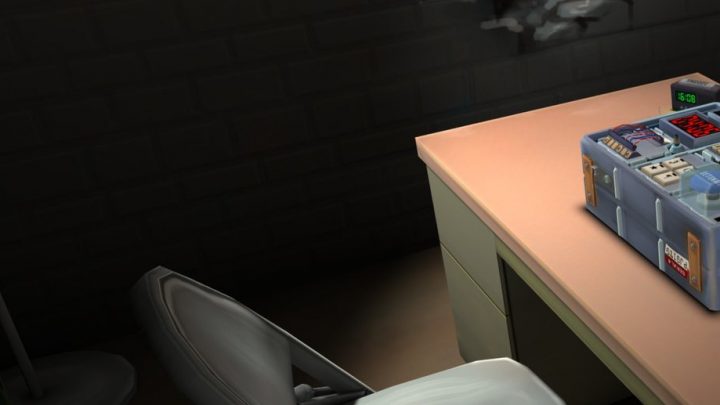
- Asymmetric games: games like Keep Talking and Nobody Explodes, where one person defuses a bomb on screen while others read instructions from a manual, give non-gamers a vital job that needs no controller at all.
- No pressure: make it easy to join a single round and step out again. People are more likely to try something if they know they are not committing to an hour.
What about VR at a party?
A VR headset can be a memorable addition, but it works differently from a TV game. Only one person is in the headset at a time, so it fits best as a side station or a game with roles for people outside the headset. Cast the headset view to the TV so the room can watch, keep sessions short so everyone gets a turn, and leave plenty of clear space around the player. If some guests have never tried VR, start them on something gentle; our beginner’s guide to VR gaming explains what to expect in a first session. Also keep hygiene in mind when sharing a headset among guests by wiping the face interface between players.
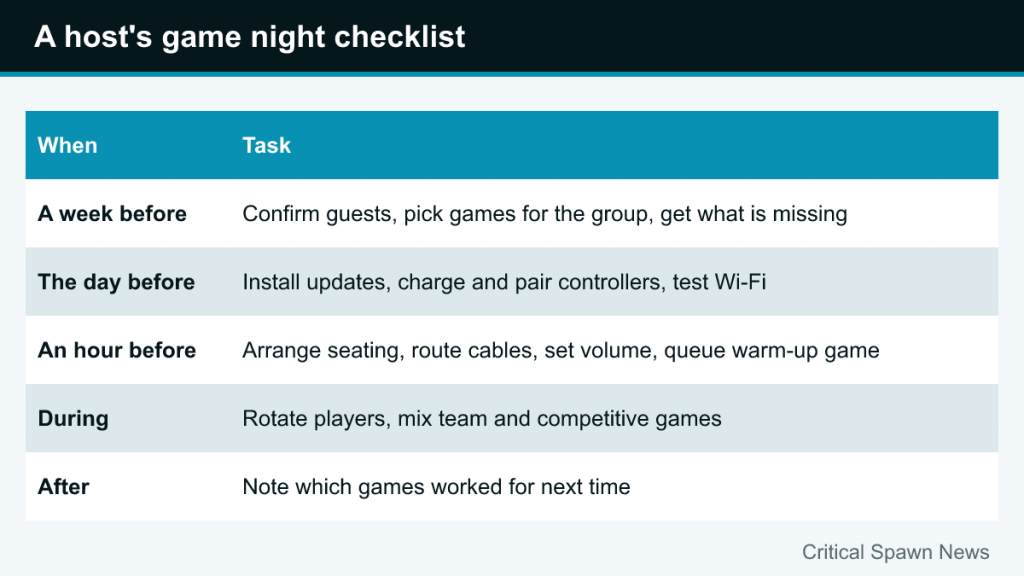
A host’s checklist
| When | Task |
|---|---|
| A week before | Confirm guest numbers; choose games that fit the group size; buy or download anything missing |
| The day before | Install updates; charge and pair all controllers; test phone-controlled games on your Wi-Fi |
| An hour before | Arrange seating; route cables; set volume; queue up the warm-up game |
| During | Rotate players; mix team and competitive games; read the room and switch when energy drops |
| After | Note which games worked so the next night is even easier to plan |
Common mistakes to avoid
- Too many new games. Teaching rules eats time. One or two new games per night is plenty; fill the rest with easy favorites.
- Letting updates ambush you. Consoles and games often download updates on first launch. Start everything earlier in the day.
- One long session of one game. Even a great game wears thin. Plan to switch at least every half hour or so.
- Ignoring the quiet guest. Check in with people who are not playing and offer a role or a turn.
The best game nights feel less like an event and more like a habit. Keep a short list of games that worked for your group, refine it each time, and planning becomes a matter of minutes.