Couch Co-op Explained: What It Is and How to Pick Games for Playing Together
What couch co-op means, why it still matters, and a practical checklist for choosing local co-op games by player count, skill gap and screen setup.

There is a particular kind of noise that only happens when two or more people share a sofa and a screen: the groan when someone drops the last plate, the laugh when a plan goes sideways, the triumphant shout when a puzzle finally clicks. That noise is the heart of couch co-op, and it is the reason a style of play that many big studios have quietly stepped away from still has a devoted following.
This guide explains what couch co-op actually is, why it keeps its appeal, and how to choose games that will work for the specific people you want to play with. The right pick depends far less on review scores than on a handful of practical questions: how many players, how different their experience levels are, how the screen is shared, and how long you have.
What “couch co-op” actually means
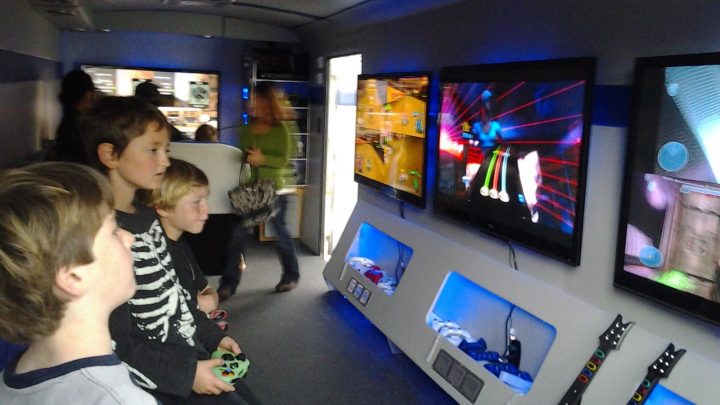
Couch co-op (also called local co-op) means two or more people playing the same game, on the same device, in the same room, working toward a shared goal. Each player usually holds their own controller, and everyone looks at the same television or monitor.
Two parts of that definition matter:
- Local: everyone is physically together and the game runs on one console or PC. No second copy of the game and no second machine are needed. That separates it from online co-op, where each person plays on their own system.
- Cooperative: players are on the same side. That separates it from local competitive games, where friends play against each other. Many party games mix both, but the defining feature of co-op is that you win or lose together.
Within couch co-op there are two main ways the screen is handled. In shared-screen games, everyone appears in one view and the camera tries to keep all players visible. In split-screen games, the display is divided so each player gets their own view of the world. Both are valid, and each has strengths that matter when you are choosing what to play. Our explainer on multiplayer terms, coming later in this series, goes deeper into the vocabulary you will find on store pages.
Why couch co-op is still worth seeking out
Online play is convenient, but local co-op offers things it cannot easily copy.
- Low barrier to entry. A guest needs no account, no copy of the game and no hardware of their own. You hand them a controller and they are in.
- Real-time communication. You can point at the screen, see a teammate’s face, and react instantly. Many co-op designs are built around this kind of quick, physical communication.
- Shared memories. Watching a friend or family member figure something out next to you is a different experience from hearing it over a headset.
- Teaching and onboarding. An experienced player can lean over and help a newcomer, which makes couch co-op one of the best ways to introduce someone to games at all.
It is also worth being honest about the downsides. Split-screen shrinks each player’s view, shared-screen games can force compromises when players want to go different directions, and some genres simply are not designed with local play in mind. Knowing these limits helps you choose better.
Five questions to ask before you pick a game
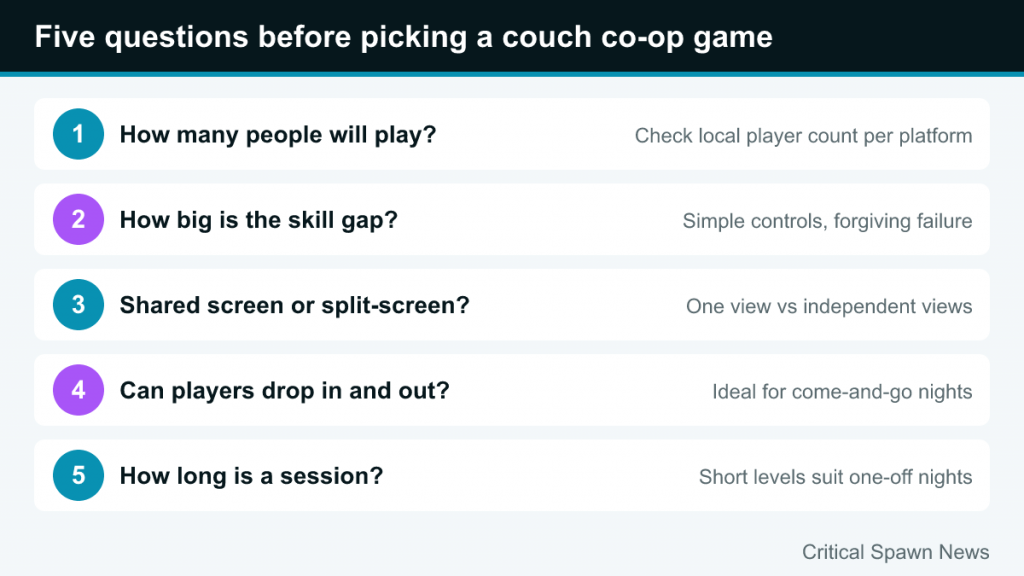
Instead of starting with “what is good?”, start with “what is good for us, tonight?” These five questions narrow the field quickly.
1. How many people will actually play?
Player count is the hardest constraint. Many beloved co-op games are strictly two-player, while others support up to four. A game that supports four players locally may only support two in split-screen on certain platforms, so check the store page for the specific system you own. If your group size changes from week to week, games that handle anywhere from one to four players are the most flexible.
2. How big is the skill gap?
A pair of experienced players can enjoy almost anything. A mixed group, such as a parent and child or a gamer and a partner who rarely plays, needs a different kind of game. Look for:
- Simple controls with few buttons, so nobody spends the session hunting for inputs.
- Forgiving failure, such as quick retries or generous checkpoints.
- Roles that can be split unevenly, so an experienced player can handle the difficult tasks while a newcomer contributes in a meaningful but less demanding way.
Games that punish one player’s mistake by sending everyone back a long way tend to create frustration in mixed groups.
3. Shared screen or split-screen?
Shared-screen games keep everyone in one view. That makes it easy to see what teammates are doing and is great for chaotic, arcade-style games on a single map. The downside is that the camera has to compromise, and players cannot wander far apart.
Split-screen gives each player independence, which suits bigger worlds and games where players need to be in different places. The cost is a smaller view per person. On a small TV, four-way split-screen can be hard to read, so screen size is worth considering too.
4. Can players drop in and drop out?
Drop-in/drop-out support lets someone join or leave mid-session without restarting. It is extremely useful at family gatherings or casual nights where people come and go. Games without it usually require everyone to be present from the start, which suits planned sessions better than spontaneous ones.
5. How long is a session?
Some co-op games are built around short levels of a few minutes each, which is ideal for fitting in a quick round or rotating players. Others are long story campaigns you play over many evenings with the same partner. Story-driven co-op works best when the same people can commit to returning; level-based games are better for one-off nights.
Genres that work well on the couch
Certain kinds of games consistently shine in local co-op. Here are the main families, with established examples. Player counts below come from official store listings; always check the version for your platform.
Chaos co-op
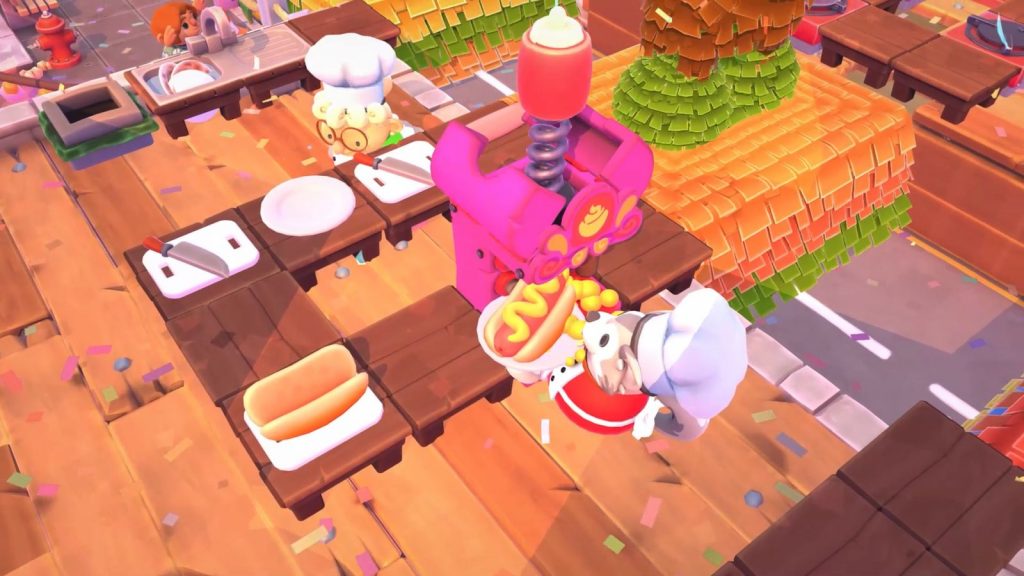
These games give players a simple job, add time pressure and constantly shifting obstacles, and let the resulting panic generate the fun. Overcooked! 2 is the best-known example, built around preparing and serving orders in increasingly ridiculous kitchens. Moving Out (2020, from SMG Studio and DevM Games, published by Team17) applies a similar idea to carrying furniture out of houses and supports one to four players locally. Chaos co-op is short, loud and excellent for groups, though it can strain patience if people take losing personally.
Co-op adventures
Story-driven games designed specifically for two players have become a genre of their own. Hazelight Studios’ It Takes Two (2021) is built entirely around two-player co-op, with both local split-screen and online play, and constantly changes its mechanics so neither player gets bored. These games are best for a regular pair, such as partners or siblings, who can work through a campaign together over several sessions.
Co-op puzzle games
Puzzle games reward communication more than reflexes, which makes them great for mixed skill levels. Unravel Two (2018, Coldwood Interactive) ties two small yarn characters together and asks players to cooperate across platforming puzzles in shared-screen local co-op. Valve’s Portal 2 has a separate two-player cooperative campaign that remains a reference point for co-op puzzle design. Good puzzle co-op lets each player contribute ideas, not just inputs.
Crew and station games
Some games give each player a station to operate on a shared vehicle. Lovers in a Dangerous Spacetime from Asteroid Base is a classic example: players run around a circular spaceship, jumping between turrets, shields and the steering console. The Steam version supports one to four local players (a single player gets an AI companion) and has no built-in online mode. Station games are easy to explain (“you take the shield, I’ll drive”) and naturally create teamwork.
Relaxed and long-form games
Not every co-op session has to be frantic. Farming and life-sim games can be calm, social and endlessly replayable. Stardew Valley added local split-screen co-op in its 1.5 update, which arrived on PC in December 2020 and on consoles in early 2021, allowing up to four players on PC. Calm co-op suits people who want to chat while they play rather than shout instructions.
Licensed family adventures
The long-running LEGO game series has made drop-in, drop-out two-player co-op a signature feature for years. Simple controls, no real failure state and familiar characters make these games a dependable choice for families and young players.
A quick matching table
| Your situation | Look for | Avoid |
|---|---|---|
| Two regular partners | Two-player co-op adventures, puzzle co-op | Games where the second player is an afterthought |
| Family with young kids | Drop-in/drop-out, no harsh fail states, simple controls | Long levels with punishing checkpoints |
| Group of four friends | Chaos co-op, station games, short levels | Two-player-only campaigns |
| One gamer, one newcomer | Asymmetric roles, puzzle co-op, calm games | Precision-heavy action |
| Small TV or monitor | Shared-screen games | Three- or four-way split-screen |
| Unpredictable group size | Games supporting one to four players with drop-in | Games locked to an exact player count |
How to read a store page for local co-op
Store pages are the most reliable source of truth, but the labels can be confusing. A few habits help:
- Look for “local” or “shared/split screen” specifically. A game tagged only “online co-op” may not support playing on one screen at all.
- Check player counts per mode. A game may support four players online but only two locally.
- Check the version you own. Features sometimes differ between PC and console versions, or between older and newer console generations.
- Read recent patch notes. Local co-op is sometimes added or expanded after launch, as happened with Stardew Valley.
- Note Steam’s Remote Play Together label. On PC, Steam can stream a local co-op game to friends elsewhere, which turns couch co-op into a way to play online too.
Common mistakes when picking couch co-op games
Most disappointing co-op nights come from a few predictable mistakes:
- Choosing by hype instead of fit. A brilliant game that only supports two players does not help a group of four.
- Ignoring the newest player. The session is only as fun as it is for the person having the hardest time. Pick for them.
- Not enough controllers. Check in advance that you have enough charged controllers for everyone, or that the game supports the input options you have.
- Starting with the hardest game. Warm up with something approachable, then move to more demanding titles once everyone is comfortable.
- Taking failure too seriously. Chaos co-op is designed to go wrong. If the group laughs at failure, the game is working.
Making the session itself go well
Even the right game benefits from a little setup. Sit so everyone can see the screen clearly, especially for split-screen. Agree on roles before a tricky section rather than mid-panic. Take breaks between levels, particularly with chaos co-op, which can be surprisingly tiring. And if one person clearly is not enjoying a game, switch to something else without making it a big deal; the goal is time together, not completion.
Couch co-op endures because it turns a game into a shared activity in the most literal sense. Choose for the people in the room, check the store page before you buy, and you will find the noise of a good co-op night comes naturally.