VR Motion Sickness Explained: Why It Happens and How to Get Your VR Legs
Why VR can make you queasy, which kinds of movement trigger it, and the widely recommended habits and settings that help you build your VR legs safely.
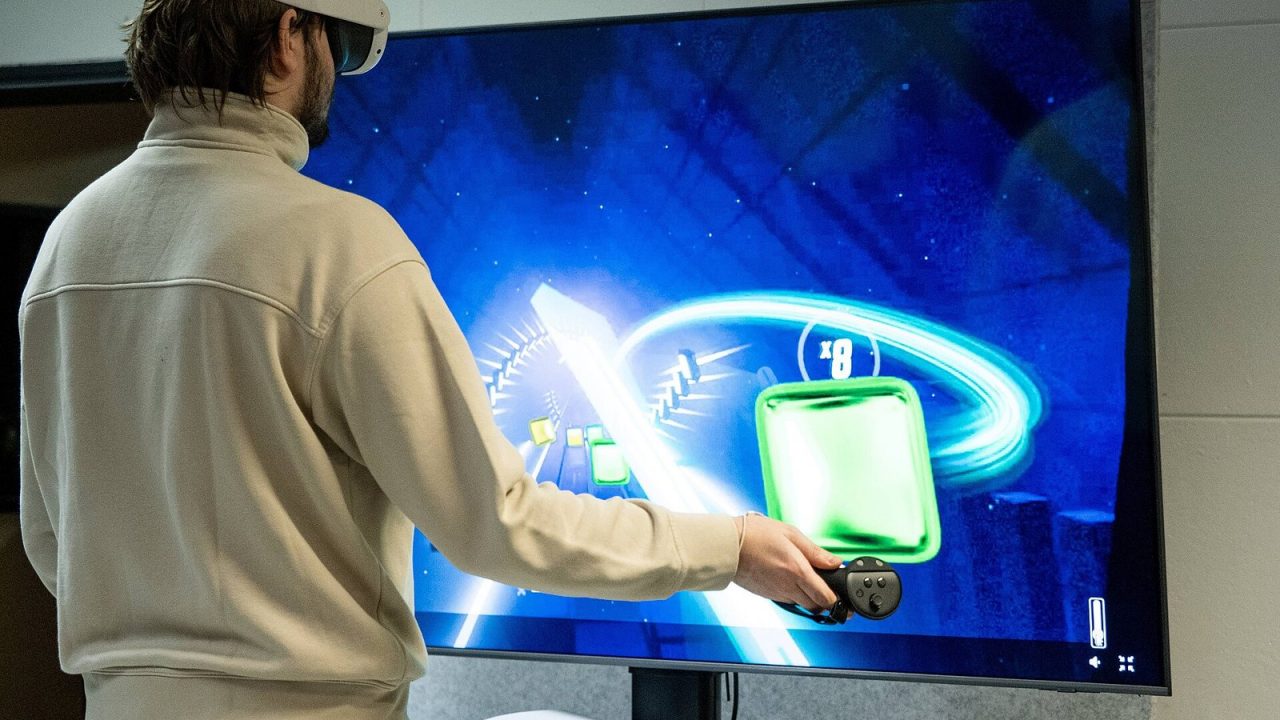
For many newcomers, the biggest surprise in virtual reality is not how real it looks but how strange it can feel. A few minutes into a game, a wave of queasiness, a warm forehead or a slight headache can appear out of nowhere. This is usually called VR motion sickness, and headset makers describe it in their safety guidance as a known effect of using VR.
The good news is that it is well understood, often temporary and, for many players, something that eases with sensible habits. This guide explains in general terms why it happens, which kinds of in-game movement tend to trigger it, and the widely accepted steps that help people build what players call their “VR legs.” It is general information, not medical advice.
What VR Motion Sickness Feels Like
Symptoms vary from person to person, and from mild to strong. Meta’s health and safety warnings for its Quest headsets list a range of signs that mean you should stop, including:
- Nausea or a queasy stomach
- Dizziness or a sense of disorientation
- Eye strain, blurred or double vision
- Head, eye or neck pain
- Anxiety or general discomfort
Many players also describe feeling sweaty, warm or “off” before anything more obvious appears. Those early signals matter, because they are your cue to take a break before things get worse.
Why It Happens: Sensory Conflict in Plain Terms
The most widely cited explanation is sensory conflict. Your body keeps track of motion using several systems at once:
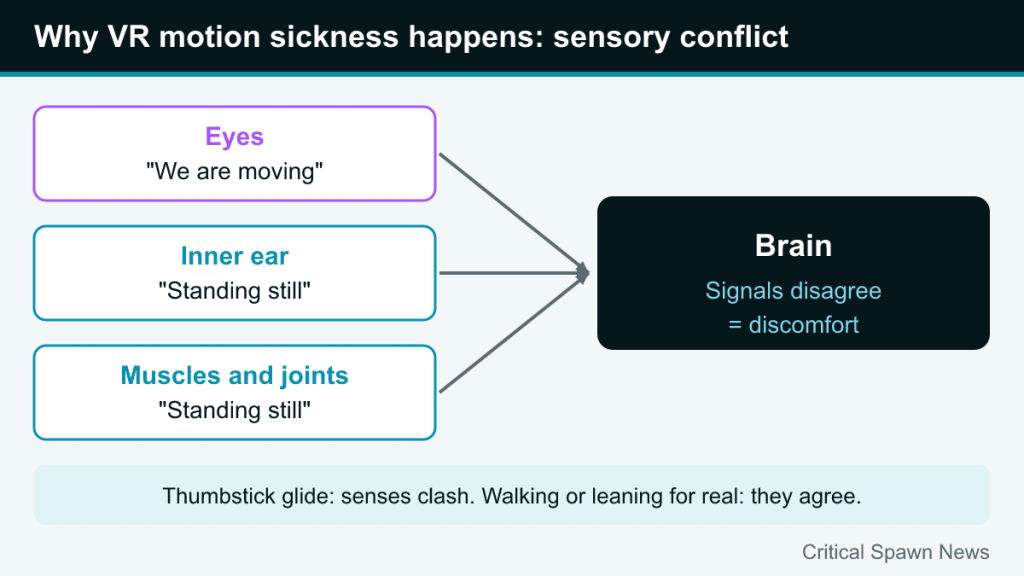
- Your eyes report what is moving around you.
- Your inner ear (the vestibular system) senses acceleration, rotation and balance.
- Your muscles and joints report the position and movement of your body.
Normally all three agree. When you walk down a street, your eyes see the world moving, your inner ear feels the motion and your legs confirm that you are walking. In VR, those signals can disagree. If you push a thumbstick and your character glides forward, your eyes say “we are moving,” while your inner ear and body say “we are standing still.” The brain notices the mismatch, and for many people the result is discomfort.
This is essentially the reverse of classic car sickness, where you feel motion but your eyes, fixed on a book, see none. In both cases the problem is the same: the senses do not match.
When your real movements and virtual movements line up, the conflict largely disappears. That is why physically walking, leaning or crouching in a room-scale game tends to be comfortable, while artificial movement is a common trigger. If you are new to terms like room-scale and 6DoF tracking, our beginner’s guide to VR gaming covers them.
Which Kinds of Movement Trigger Discomfort
Not all VR is equal when it comes to comfort. Some experiences are gentle for almost everyone, while others are challenging even for veterans. These are the usual suspects.
Artificial locomotion
Smooth locomotion, where you glide through the world using a thumbstick while standing still, is the most common trigger. Your eyes register sustained motion that your body does not feel.
Smooth turning
Rotating your view with the thumbstick, rather than by physically turning your body, can be even more uncomfortable than moving forward. Rotation is something the inner ear is particularly sensitive to.
Acceleration and sudden changes
Speeding up, slowing down, falling, jumping and bumpy vehicle rides are harder on most people than steady movement in a straight line. Roller-coaster experiences and fast flying games combine several of these at once.
Camera movement you do not control
When a game moves your viewpoint without your input, such as a camera shake, a cutscene that tilts your head or being knocked back by an explosion, the brain has no chance to anticipate the motion.
Low or unstable frame rate
When the image stutters or lags behind your head movements, the world no longer moves the way your body expects. This is a common source of discomfort in PC VR when settings are too demanding for the hardware, or when a wireless stream is struggling. A smooth, stable image is one of the most important comfort factors.
Poor headset fit
A loose, tilted or badly adjusted headset can cause blur and eye strain that add to discomfort. Meta’s guidance specifically notes that the headset should be adjusted for each user to reduce discomfort. Setting the lens spacing to match your eyes is part of a good fit.
Habits That Help: The Widely Recommended Basics
There is no single trick that works for everyone, but several habits are consistently recommended by headset makers and experienced players.
1. Stop at the first symptoms
This is the most important rule. Meta’s warnings say to stop using the headset if you notice discomfort and not to resume until you have fully recovered. Pushing through nausea in the hope of “toughening up” tends to make symptoms stronger and longer-lasting, and can make you associate VR with feeling ill.
2. Keep sessions short at first
Headset makers recommend starting with short sessions and taking regular breaks, especially with a new headset or new content. Meta’s guidance gives a 30-minute session followed by a 15-minute break as an example, and advises shortening sessions if you feel discomfort. Many newcomers find that ending a session while they still feel fine is the best way to come back eager rather than wary.
3. Increase exposure gradually
Building VR legs is about gradual, repeated exposure. Start with comfortable games and slowly introduce more movement as your tolerance grows. Short, regular sessions spread over several days tend to work better than a single long one.
4. Use airflow
A fan pointed at you is one of the most common pieces of community advice. Many players find that cool moving air reduces the warm, sweaty feeling that often comes before nausea, and some say it also gives a helpful sense of where they are in the real room. It is not a cure, but it is an easy, low-cost comfort aid.
5. Don’t play when you are not at your best
Meta’s warnings advise against using the headset when impaired, listing things like fatigue, sleeplessness and the influence of alcohol or drugs. Being tired or unwell can also make you more susceptible to discomfort.
6. Recover properly afterward
If you finish a session feeling off, give yourself time before doing anything that needs good balance and coordination. Meta’s guidance says to avoid such activities until symptoms have fully gone.
Comfort Settings Worth Knowing
Many VR games include a comfort or locomotion menu. Learning what the options do lets you tune almost any game to your current tolerance.
| Setting | What it does | Why it helps |
|---|---|---|
| Teleport movement | You point and instantly jump to a new spot | Removes continuous visual motion entirely |
| Snap turning | Rotates your view in fixed steps instead of smoothly | Avoids the sustained rotation the inner ear dislikes |
| Vignette or tunneling | Darkens the edges of your view while moving | Reduces motion in peripheral vision, which is especially sensitive |
| Reduced movement speed | Slows smooth locomotion | Gentler visual flow |
| Seated mode | Lets you play sitting down | Removes balance concerns and feels more grounded |
A sensible approach for beginners is to start with teleport movement and snap turning, then experiment with smooth movement plus a vignette once short sessions feel easy. Many experienced players also find that physically turning their body, rather than using the thumbstick, makes rotation much more comfortable.
Store comfort ratings are another useful tool. Meta’s warnings suggest that people new to VR, or who have had discomfort before, start with content rated “Comfortable” before moving to “Moderate” or “Intense” experiences.
How Platform and Setup Affect Comfort
Your hardware setup plays a role too. Whatever platform you use, a stable frame rate and a well-fitted headset are the foundations of comfort.
- On PC VR, avoid pushing graphics settings so high that performance drops, and make sure any wireless connection is strong. Stutter is a frequent cause of queasiness.
- On standalone headsets, games are tuned for the built-in hardware, but a well-fitted head strap and correct lens spacing still make a noticeable difference.
- On console VR, every player has the same hardware, so comfort comes down mostly to game choice, fit and settings.
For a broader look at how these platforms differ, see our comparison of standalone, PC VR and console VR.
Common Myths and Mistakes
- “You just have to push through it.” Headset makers say the opposite: stop when symptoms start and rest until you feel normal.
- “If you get sick once, VR isn’t for you.” Many people who felt queasy early on become comfortable with gradual exposure and the right settings. Others remain sensitive, and comfortable stationary games are still an option.
- “All VR games make you sick.” Seated, stationary and teleport-based games are comfortable for many people who struggle with smooth locomotion.
- “Longer sessions build tolerance faster.” Short, frequent sessions are the commonly recommended approach.
When to Talk to a Professional
For most people, VR discomfort is mild and fades soon after taking the headset off. But some situations call for professional advice. Meta’s guidance says that if symptoms last a long time or are serious, you should consult a doctor and not resume use until they say it is okay. It also recommends that people who are pregnant, elderly, or who have certain vision, psychiatric or heart conditions consult a doctor before using a headset.
Consider speaking to a doctor or other qualified professional if:
- Symptoms persist for a long time after you stop playing.
- Discomfort is severe, or keeps happening despite short sessions and comfort settings.
- You have a medical condition that affects balance, vision or your heart.
Children need extra care as well. Meta’s Quest 3S guidance lists an account minimum age of 10, notes that requirements vary by country, and says children’s use should be supervised by an adult. Always check the specific guidance for your headset model.