What Is VR Gaming? A Beginner’s Guide to Headsets, Controllers and Play Spaces
A plain-language guide to VR gaming: how headsets and tracking work, the three platform types, what you need to start and what a first session looks like.
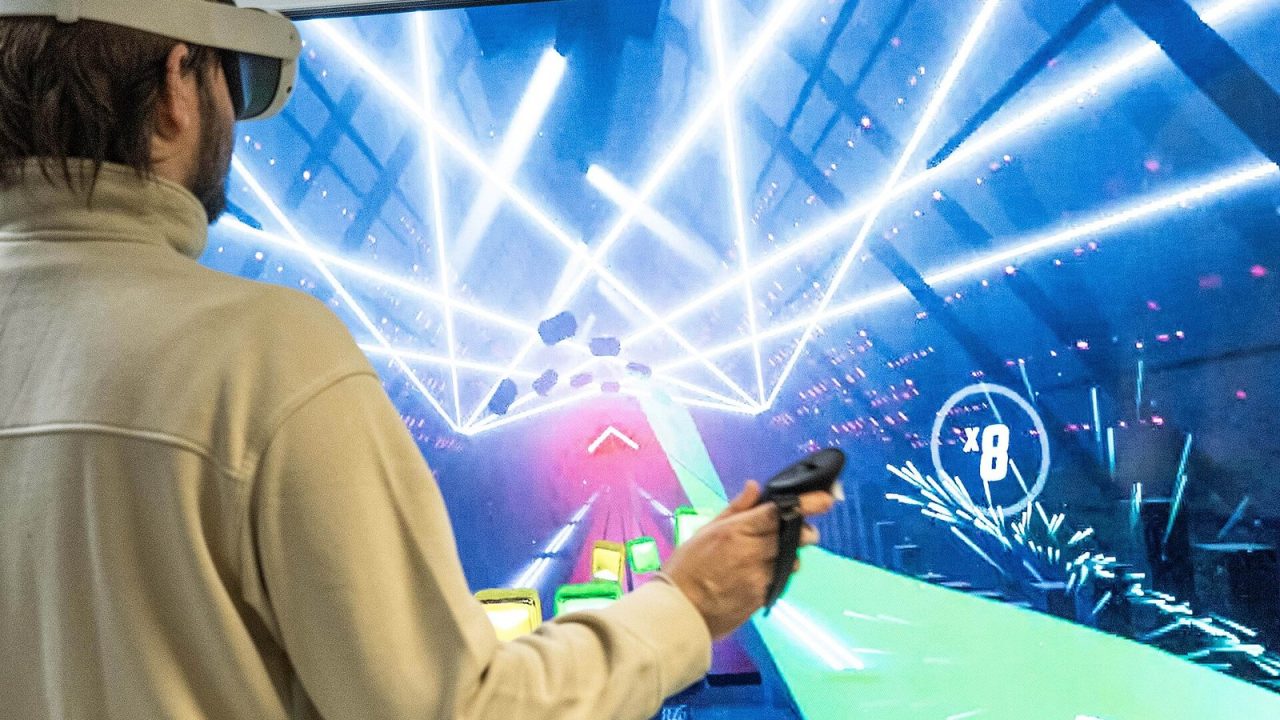
Virtual reality gaming swaps the flat screen in front of you for a display strapped to your face, and swaps the gamepad for controllers that follow your hands. When it works, the effect is simple to describe and hard to forget: you stop looking at a game world and start standing inside it. You lean to peek around a corner, reach out to pick up an object, and duck under something flying toward your head.
This guide explains the basics in plain language: what a headset actually does, how tracking works, which kinds of VR platforms exist, what you need before you start, and what a typical first session feels like.
What a VR Headset Actually Does
At its core, a VR headset does three jobs at once: it shows an image to each eye, it makes that image appear large and far away, and it constantly measures where your head is so the image can update as you move.
Displays: one image per eye
Inside the headset sit one or two small, high-resolution screens. The game renders a slightly different view for your left and right eye, just as your eyes see the real world from two slightly different positions. Your brain combines the two views and perceives depth. This stereoscopic effect is why objects in VR feel like they have real volume and distance, rather than being flat pictures.
Lenses: making a tiny screen feel huge
The screens are only a few centimeters from your eyes, which is far too close to focus on. Lenses between your eyes and the displays bend the light so that the image appears to be at a comfortable distance and fills a wide portion of your vision. That width is called the field of view.
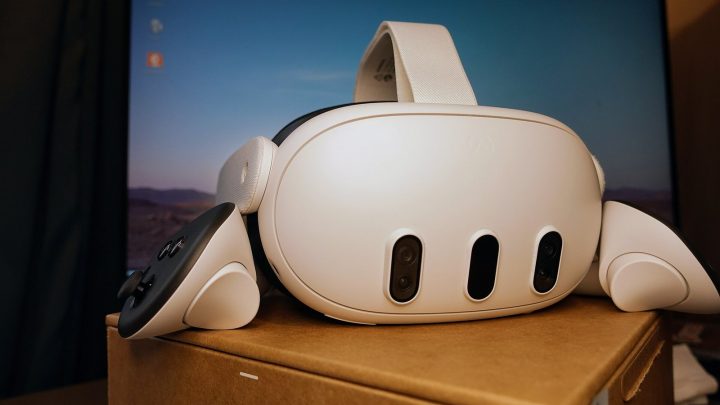
Two lens designs are common: Fresnel lenses (used in the Quest 3S) and slimmer pancake lenses (used in the Quest 3).
Because everyone’s eyes are spaced differently, most headsets let you adjust the distance between the lenses. This setting is often called IPD (interpupillary distance) or IAD (inter-axial distance). Getting it right makes the image clearer and is one of the first things worth adjusting.
Tracking: the headset knows where you are
Tracking is what separates VR from simply wearing a screen. Sensors inside the headset, along with outward-facing cameras on most modern models, follow the headset’s position and rotation many times per second. The game uses that data to move the virtual camera exactly the way your head moves.
3DoF vs 6DoF: The Most Important Spec You’ll Hear About
“DoF” stands for degrees of freedom, and it describes which kinds of movement a headset or controller can track.
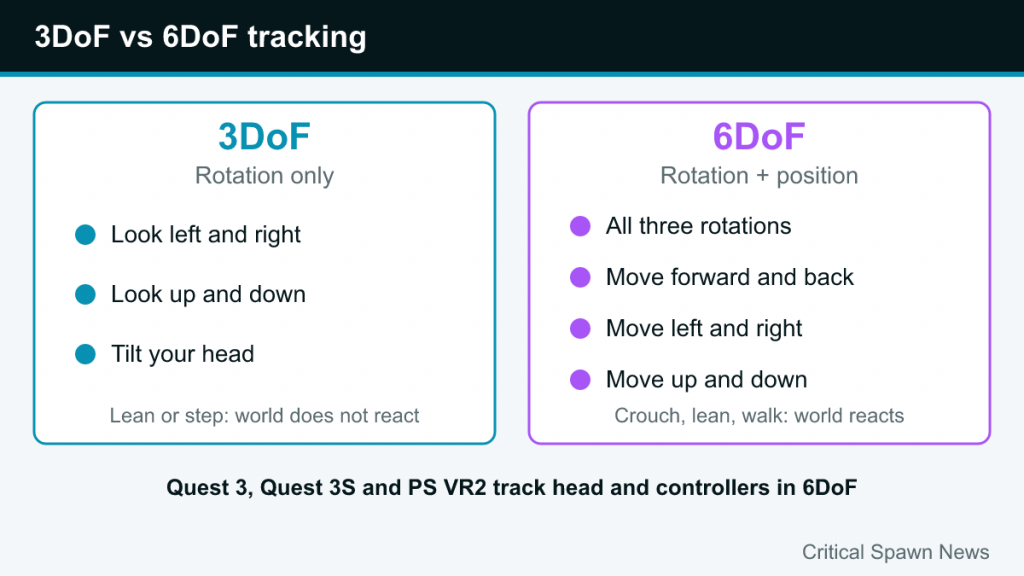
- 3DoF (three degrees of freedom) tracks rotation only: looking left and right, up and down, and tilting your head. If you lean forward or step to the side, the virtual world does not respond. Older mobile VR viewers and some media headsets worked this way.
- 6DoF (six degrees of freedom) tracks rotation and position: moving forward and back, left and right, up and down. You can crouch, lean around cover or walk a few steps, and the virtual world reacts naturally.
For gaming, 6DoF is the standard. The headsets most people buy for games today, including Meta Quest 3 and Quest 3S and Sony’s PlayStation VR2, track both your head and your controllers in six degrees of freedom. If a device offers only 3DoF, it is better suited to watching video than to playing modern VR games.
Controllers and Hand Tracking
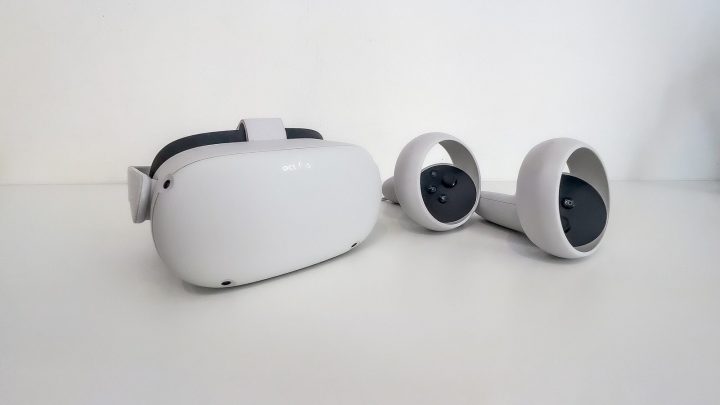
VR controllers look a little like a gamepad split in half, one piece per hand. Each one is tracked in space, so your virtual hands appear where your real hands are. Buttons, triggers and thumbsticks are still there, but the most important input is your hand position itself.
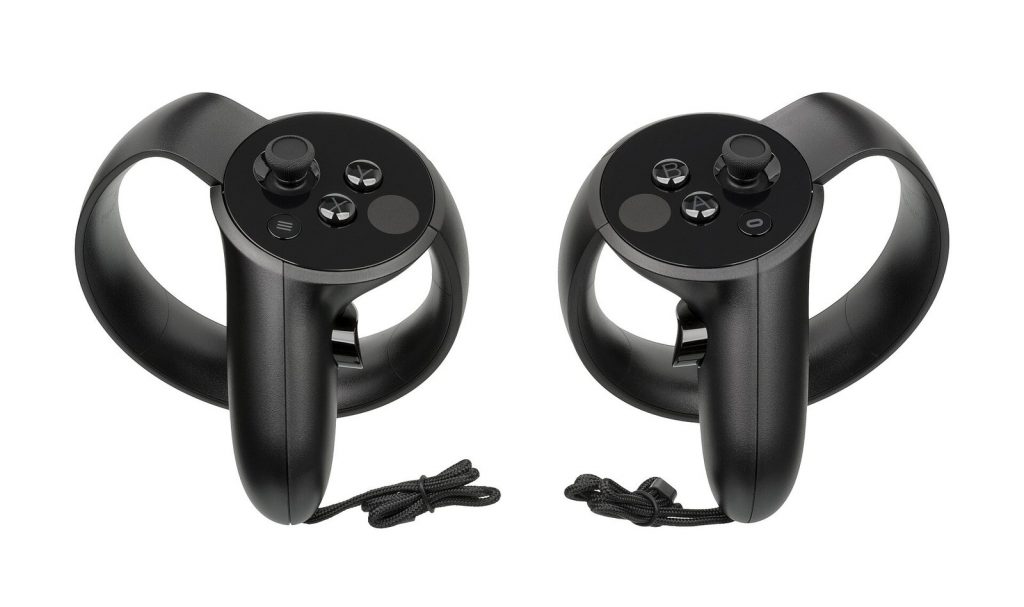
That changes how games are designed: instead of pressing a button to open a door, you grab the handle and pull.
Sony’s PS VR2 Sense controllers, for example, add adaptive triggers and finger touch detection on top of haptic feedback. Meta’s Quest headsets also support hand tracking, which uses the headset’s cameras to follow your bare hands. Hand tracking is handy for menus and some casual apps, but most action games still play best with physical controllers.
The Three Types of VR Platforms at a Glance
Most VR gaming today falls into one of three models. Each has a different relationship between the headset and the hardware that actually runs the game.
| Platform type | What runs the game | Example | Main appeal |
|---|---|---|---|
| Standalone | A processor built into the headset | Meta Quest 3, Quest 3S | No cables or extra devices needed |
| PC VR | A gaming PC, connected by cable or wirelessly | Headsets used with SteamVR | Highest visual ceiling and huge library |
| Console VR | A games console | PlayStation VR2 with PS5 | Plug-and-play with a console you may already own |
Standalone
A standalone headset is a complete computer you wear. It has its own chip, battery, storage and app store. You charge it, put it on and start playing anywhere with enough clear floor space. Meta’s Quest line is the best-known example; as of 2026 Meta sells the Quest 3S in 128GB and 256GB versions and the Quest 3 in a 512GB version. Many standalone headsets can also connect to a PC to play PC VR games, which blurs the lines between categories.
PC VR
With PC VR, a gaming computer does the heavy lifting and sends images to the headset, either over a cable or a wireless connection. The payoff is more detailed graphics and access to the large SteamVR library, including landmark titles built specifically for PC. The trade-off is that you need a capable PC and a bit more setup. Valve, which runs Steam, is also part of this space: it announced a new headset called Steam Frame in November 2025.
Console VR
Console VR pairs a headset with a games console. PlayStation VR2 connects to a PS5 with a single USB cable and uses the console’s power to run games from the PlayStation Store. It adds features such as eye tracking, which some games use for foveated rendering (sharpening only the area you are looking at), and a vibration motor in the headset itself. Sony also offers a PC adapter that lets PS VR2 owners play games from Steam’s VR library on a compatible PC.
What You Need to Get Started
The shopping list is shorter than many people assume, but a few items are easy to overlook.
- A headset and its controllers. Most headsets ship with two motion controllers in the box.
- The device that runs the games, if your headset needs one. Standalone headsets need nothing else; console VR needs the matching console; PC VR needs a gaming PC that meets the headset’s requirements.
- An account. Expect to sign in with a platform account (for example, a Meta account for Quest or a PlayStation Network account for PS VR2). A companion phone app is part of setup for some headsets.
- Clear space. Even seated games benefit from room to swing your arms. For standing and room-scale games, you need an open area free of furniture, pets and anything breakable.
- Decent lighting. Headsets with camera-based tracking need a reasonably lit room. Very dark rooms, or direct sunlight, can cause tracking problems. Never leave a headset’s lenses facing a sunny window, as focused sunlight can damage the screens.
Understanding Play Spaces and Boundaries
Once the headset is on, you cannot see your room. To keep you from walking into a wall, VR systems use a virtual boundary, sometimes called a guardian or play area. During setup you mark the safe zone on the floor, and when you get close to its edge, a grid or wall appears in the headset to warn you.
Most systems offer two kinds of play space:
- Stationary: a small circle around where you stand or sit. Good for seated games, cockpit games and anything where you do not walk around.
- Room-scale: a larger area you trace around your floor. This lets you physically walk a few steps, dodge sideways and move around objects in the game.
Many modern headsets also offer passthrough, which uses the external cameras to show you a view of your real room. Both the Quest 3 and Quest 3S have full-color passthrough. It also powers mixed reality games that place virtual objects in your living room.
How You Move Around Inside Games
Your real room is small and game worlds are big, so developers use several movement styles, usually called locomotion options:
- Room-scale movement: you walk, and the game follows. Natural, but limited to the size of your play area.
- Teleportation: you point at a spot and instantly jump there. It is one of the most comfortable options for beginners.
- Smooth locomotion: you push a thumbstick and glide, as in a normal video game. It feels immersive but can cause discomfort for newcomers.
- Snap turning vs smooth turning: snap turning rotates your view in fixed steps, while smooth turning rotates continuously. Snap turning is usually easier on the stomach.
Most well-designed games let you choose among these in a comfort menu.
What a Typical First Session Looks Like
Setup and fit
You begin by charging or connecting the headset, signing in and updating the software. Then comes fit: loosen the straps, place the headset on your face from front to back, and tighten until it feels secure without pressing hard. Adjust the lens spacing until text looks sharp. A blurry image is usually a fit problem rather than a hardware fault, so try moving the headset slightly up or down on your face.
Boundary and tutorial
Next you draw your boundary and, on most platforms, run a short built-in tutorial that teaches you how to grab, point and use the menu. It is worth doing even if you are an experienced gamer, because VR controls rely on movements that a gamepad never asks for.
The first game
Choose something comfortable for your first game: a stationary or teleport-based title with short levels. Expect a moment of adjustment as your brain gets used to seeing your hands in a virtual world.
Knowing when to stop
Keep early sessions short. Headset makers recommend regular breaks and shorter sessions when you are new to VR. If you feel dizzy, queasy, sweaty or simply “off,” take the headset off and rest until you feel completely normal. Discomfort is common for newcomers and many players build tolerance over time, but pushing through symptoms tends to make them worse, not better.
Is VR Gaming Right for You?
VR is at its best when presence matters: games where reaching, ducking, aiming with your hands or simply looking around a space is the point. Rhythm games, puzzle rooms, physics sandboxes, cockpit games and exploration adventures all shine in a headset. It is less ideal if you want to play for many hours in a row, prefer to relax on the couch with a gamepad, or are very sensitive to motion. Start slowly, pick comfortable games first, and you will quickly find out whether stepping inside your games is something you want to keep doing.